
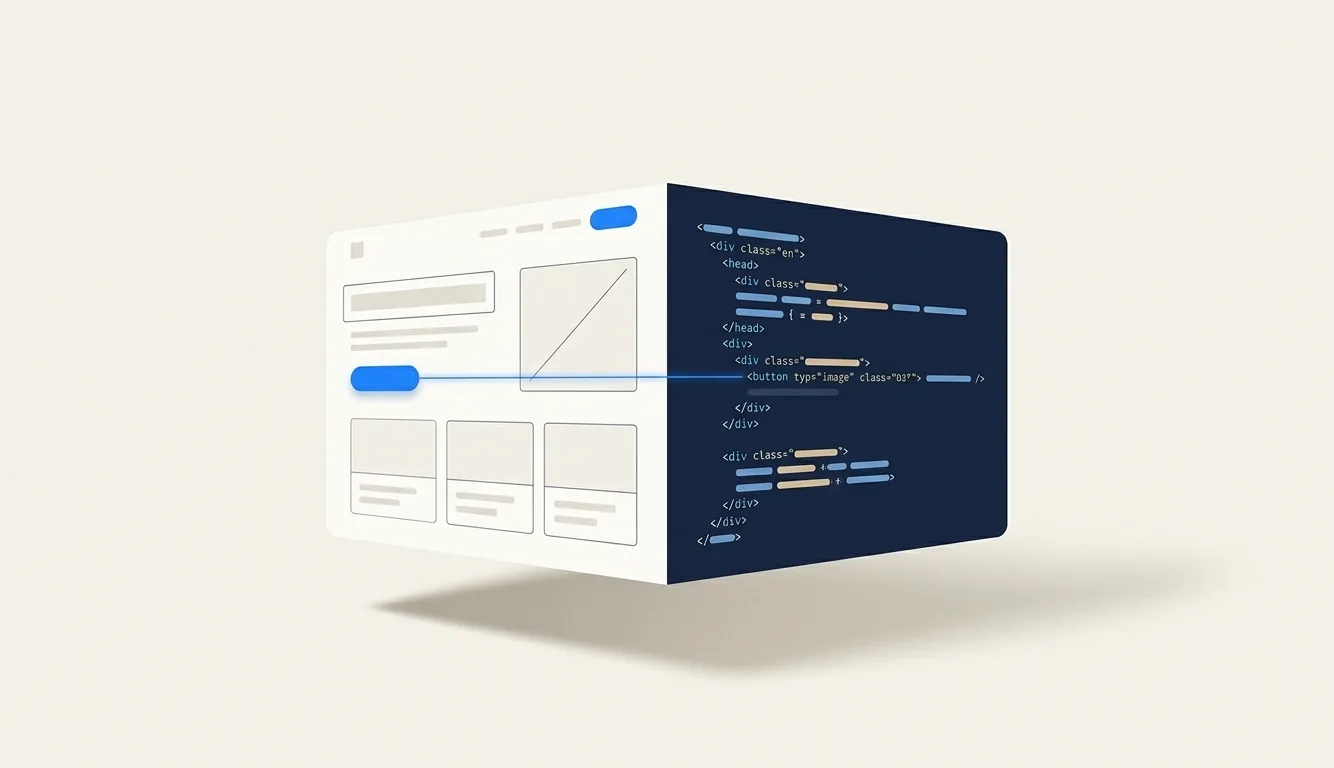
Four ways design becomes code
| Approach | Examples | What you get |
|---|---|---|
| Inspect and hand off | Figma Dev Mode, Code Connect, Penpot Inspect | Measurements, styles and code snippets per layer. A developer still writes the component. |
| Export a design file | Builder.io Visual Copilot, Anima, Locofy, Codia | Generated components in a chosen framework, from a Figma frame. |
| Give the agent the design | Figma MCP server | Your coding agent reads the frame, its variables and component mappings, then writes code in your repo. |
| Generate from a prompt | Figma Make, v0, Lovable, Google Stitch | A working front end, or a whole app, from a description or screenshot. |
Inspect and hand off
The oldest approach. Figma’s
Dev Mode
shows autogenerated snippets for a selected layer and needs a Full or Dev seat on a paid plan.
Code Connect
links Figma components to the real components in your repo, so the snippet shows your
<Button> instead of a pile of divs; it needs an Organization or Enterprise plan.
Penpot, the open-source design tool, has a free inspect tab that gives you SVG, CSS and HTML.
Export a design file
Plugins that turn a Figma frame into a component. Visual Copilot targets React, Qwik and Angular plus Kotlin and Flutter; Anima outputs HTML, React, Vue and Tailwind among others; Codia also covers SwiftUI, Flutter and Android (Compose). They are fast for a first version of a screen.
Give the agent the design
Since 2025, another route is to let the coding agent read the design itself. Figma’s MCP server hands Claude Code, Cursor or another client the frame’s structure, variables and Code Connect mappings. Its output defaults to React and Tailwind. Figma’s launch post explains why this beats a plain export: generated code won’t fit your codebase because “every team approaches their codebase differently.” We cover the setup in Claude Code and design.
Generate from a prompt
Figma Make, v0, Lovable and Google Stitch skip the design file and go straight to a working UI. Great for a prototype or a new product; less suited to changing a product that already exists. Compared in Figma Make alternatives.
Code to design
The reverse direction is newer. html.to.design imports a live web page into Figma as editable layers, with auto layout. Since February 2026, Figma’s Claude Code to Figma captures a running UI from localhost, staging or production and turns it into editable frames.
Both make a snapshot. The frames look like your app but do not contain it: no logic, no state, no link back. That is fine for a designer to sketch over, and it is the start of a second copy.
Where conversion breaks
Not in the first conversion. Most of these tools produce something usable the first time, provided the file is built the way they expect. Builder.io’s own guide calls auto layout “the single most impactful action for ensuring a smooth import” and asks you to minimise overlapping layers. Anima says the same.
It breaks the second time. A design to code step converts a snapshot. Then:
- a developer fixes the spacing in code, and the design file doesn’t know;
- a designer updates the frame, and the code was already edited by hand, so re-exporting means redoing those edits;
- within a few weeks nobody is sure which version is right, and everyone has learned which file not to trust.
That last state is common enough that Figma’s own research reports 91% of developers and 92% of designers believe the handoff process could be improved. A better converter does not fix it, because the problem is not the conversion. It is that there are two copies.
Design that is already code
The alternative is to remove the conversion: design in the same material you ship. If the design is a React file in your repo, there is no export, nothing to import into, and no snapshot to drift. The design file is the code, and git is its version history.
What stops people doing this is that editing JSX to try out a layout is miserable. Design needs a canvas: something you can look at, click and change. So the useful version is code with a canvas on top.
How Caret does it
Caret is a free, open-source desktop app for macOS, Windows and Linux. Open a project folder and
it creates .caret/ beside your app. Nothing else in your project is touched.
- Design lives in
.caret/, as code. Each page is a.tsxfile, with tokens for colour, type, spacing and radius beside them. They render live on a canvas. - You edit on the page. Retype text, pick a colour, swap an image, drag to resize, and the change is written into the file. For harder changes, paint over a region and describe what you want.
- You sync when it’s ready. Caret works out which design files changed since the last sync. An agent reads them and your app’s code, proposes a plan for you to review, and then makes the app match, in whatever framework the app uses. It keeps your app’s data and API wiring as it found it, and maps Caret’s tokens onto your app’s own theme when it has one. Caret takes a snapshot first, so undo always works.
And code to design, without a snapshot
If someone edits the app directly, Caret notices by comparing file contents. It can have the agent translate the app’s current state back into a proposed design page and show it side by side with the current design. You pick. It never merges the two for you, and never rewrites the design silently.
What Caret is not: a converter for existing Figma files, or a vector tool. If your designs live in Figma and will keep living there, Figma MCP or one of the plugins above is the right fit.
Which to choose
| If you… | Use |
|---|---|
| have a designer working in Figma and a codebase with real components | Figma MCP plus Code Connect |
| need a first version of a screen from an existing Figma frame | A plugin exporter such as Visual Copilot or Anima |
| are starting a new product from nothing | A prompt-to-app tool such as v0, Lovable or Figma Make |
| need to show a built screen to a designer in Figma | html.to.design or Claude Code to Figma |
| are a developer, or a small team, who want the design in the repo and to stay true | Caret |
Questions
-
Is generated code production-ready?
Sometimes the first pass is. The harder question is whether it fits your codebase, your components and your tokens, which is why the agent-based approaches, which work inside your repo, usually do better than a standalone export.
-
Which frameworks does Caret sync into?
The design layer is always React with Tailwind. The app side can be whatever you already ship: Next, Remix, Vue, Svelte, Rails. The sync agent writes the change in your app’s own code.
-
Is Caret free?
Yes. Apache-2.0, no account, runs on your machine. You bring a model: a coding plan you already have, such as ChatGPT or GitHub Copilot, or an API key.
-
What do I need installed?
Node.js, because the live canvas runs a local dev server, and git, because the sync bookmark is a commit. The LTS release of Node is enough.